
English
- English
- 简体中文
- عربي
- Русский язык
- Français
- 日本語

Why Battery Draining Fast Even When Not in Use? 8 Reasons!
2025-03-04 11:45:04
Click:
“
Ever noticed your phone’s battery mysteriously dwindling even when it’s not in active use? Data from user tests and lab reports reveal that several hidden factors can sap your battery life while your device is idle. Let’s pinpoint the eight core culprits and explore practical fixes to keep your phone powered longer.
”

Ever noticed your phone’s battery mysteriously dwindling even when it’s not in active use? Data from user tests and lab reports reveal that several hidden factors can sap your battery life while your device is idle. Let’s pinpoint the eight core culprits and explore practical fixes to keep your phone powered longer.
1. Background “Power-Stealing” Apps
Issue:
Social media and navigation apps may continue refreshing content, updating location, or syncing data even after you exit them.
Solution:
➔ Go to Settings > Battery > App Usage to identify high-drain apps and force-stop unnecessary ones.
➔ Limit background activity: Long-press the app icon, select App Info > Battery, then enable “restrict background running.”
2. Excessively High Screen Brightness & Resolution
Issue:
A 2K/4K display at full brightness can consume up to three times the power of a standard setting .
Solution:
➔ Enable Auto-Brightness and set indoor brightness to ≤50%.
➔ Lower your screen resolution: Navigate to Settings > Display > Screen Resolution and switch to FHD+ (1080P) mode for better battery efficiency.
3. “Invisible” Power Drain from Location Services
Issue:
Continuous GPS use—especially by mapping and delivery apps—can drain an extra 8-12% battery per hour.
Solution:
➔ Adjust Settings > Location Permissions to “Allow Only While Using” for non-essential apps.
➔ Disable unnecessary location tracking features such as weather app “Always-On Location” or retail “Nearby Recommendations.”
4. 24/7 Bluetooth & Wi-Fi
Issue:
Bluetooth in standby mode can consume 1-3% of battery per hour, and weak Wi-Fi signals force your device to constantly search for a network, intensifying power drain.
Solution:
➔ Add quick toggles to your notification panel to easily turn off Bluetooth and Wi-Fi when leaving home.
➔ Use automation tools (like Bixby Routines) to set schedules: “Enable Wi-Fi when arriving home and disable Bluetooth when leaving.”
5. Outdated System Software
Issue:
Older OS versions can harbor battery management bugs (e.g., unresolved background process issues in iOS 15.4).
Solution:
➔ Check Settings > System Updates monthly and restart your device after updates.
➔ Disable “Developer Options” that limit background processes, as they might disrupt proper system scheduling.
6. Substandard Chargers Damaging the Battery
Issue:
Non-original or low-quality chargers with unstable voltage can accelerate battery capacity loss—up to 30% annual degradation versus the industry standard of 15-20%.
Solution:
➔ Use chargers that support PD3.0/QC4+ fast-charging protocols .
➔ Avoid “charging while playing” to prevent overheating—excessive heat (over 45°C) can drastically speed up battery aging.
7. Extreme Temperature Conditions
Issue:
At 35°C, battery degradation can surge by 40%, while 0°C can cause inaccurate battery readings.
Solution:
➔ In hot environments, use a metal phone case and a sunshade accessory to facilitate heat dissipation.
➔ Keep your device close to your body in cold conditions to shield it from direct exposure (e.g., in an inner pocket during skiing).
8. Aging Battery Life
Issue:
Lithium batteries typically fall below 80% capacity after around 500 cycles (Apple’s benchmark), leading to rapid power drops.
Self-Test:
➔ iPhone: Check Settings > Battery > Battery Health; consider a replacement if it’s below 80%.
Ultimate Power-Saving Tip
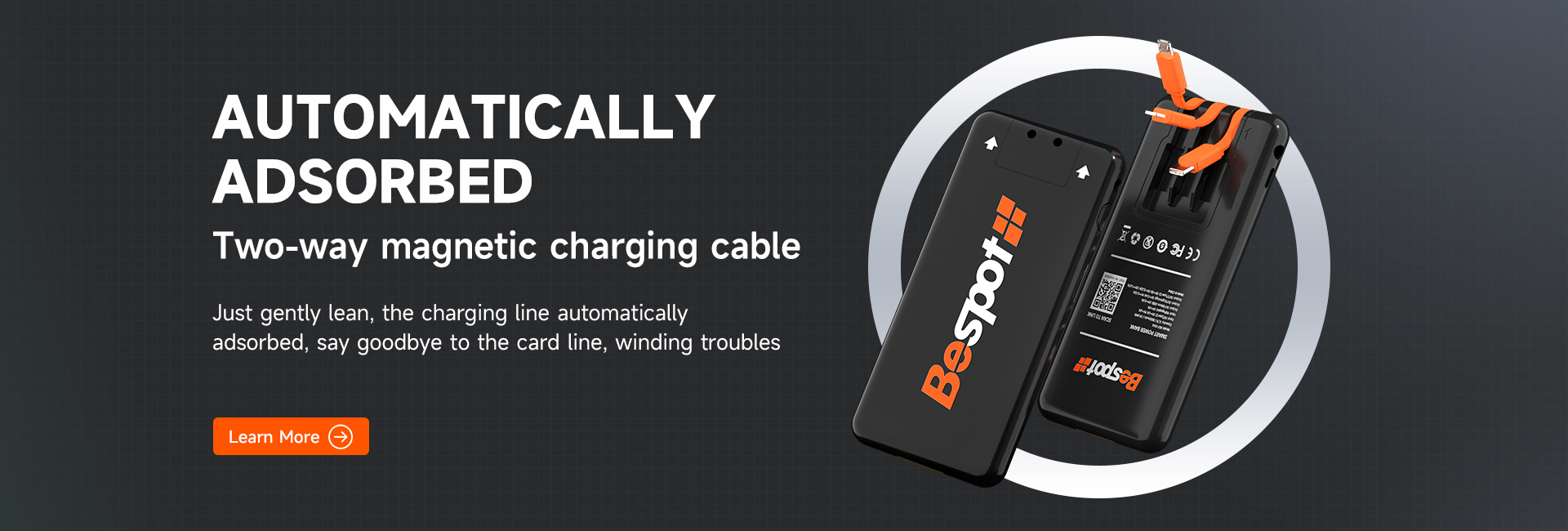
For extended outings, consider a shared power bank station (e.g., Besiter fast charge 22.5W) that features:
✅ Built-in thermal control with automatic shut-off to prevent overcharging
✅ Dual fast-charging support for both iPhone and Android, offering 80% recharge in just 30 minutes
✅ A rental option available at airports or malls for quick battery swaps
By optimizing these eight areas, you can boost your phone’s standby life by up to three hours or more. Implement these solutions to ensure your device stays powered when you need it most!









Bus
Shenzhen Besiter Power Bank Co. , Ltd. 2008
 Besiter
 Email
Email

